AI tools
The AI tools live in the right-hand panel. Each tool reads the currently selected blocks (or the whole proposal) as context.
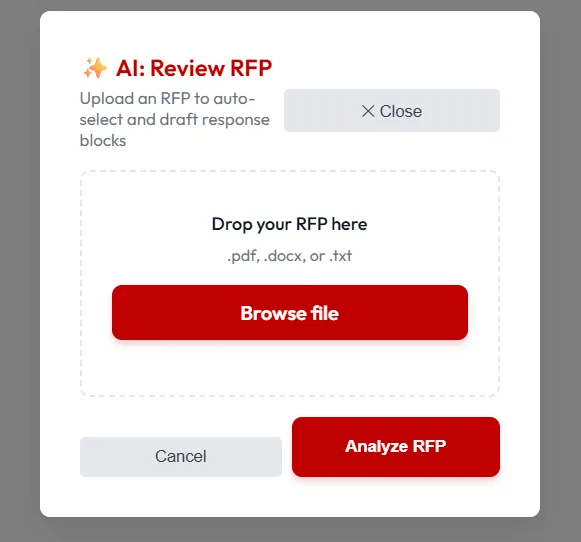
Draft Narrative
Section titled “Draft Narrative”Generates a first-pass narrative section from a brief prompt and the blocks you’ve selected. Useful for executive summaries and cover letters.
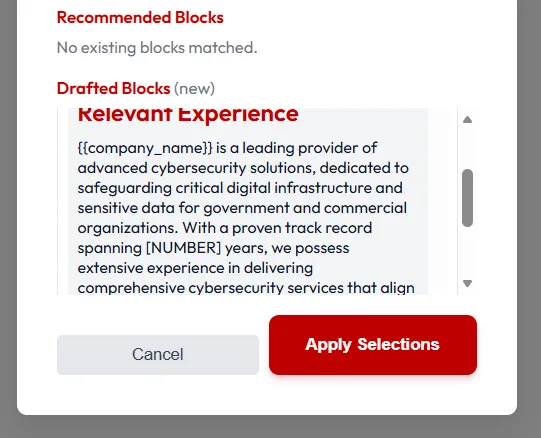
Review
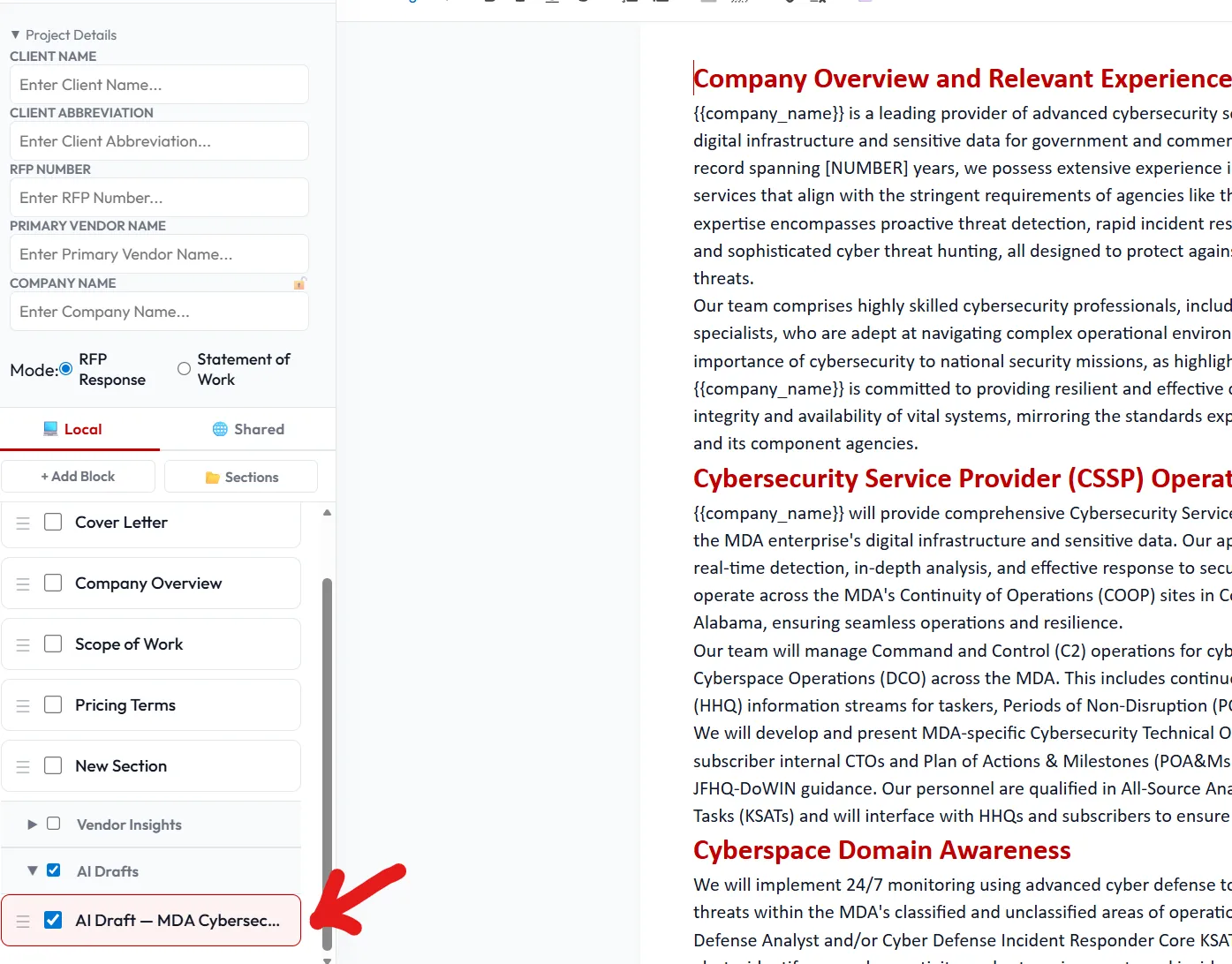
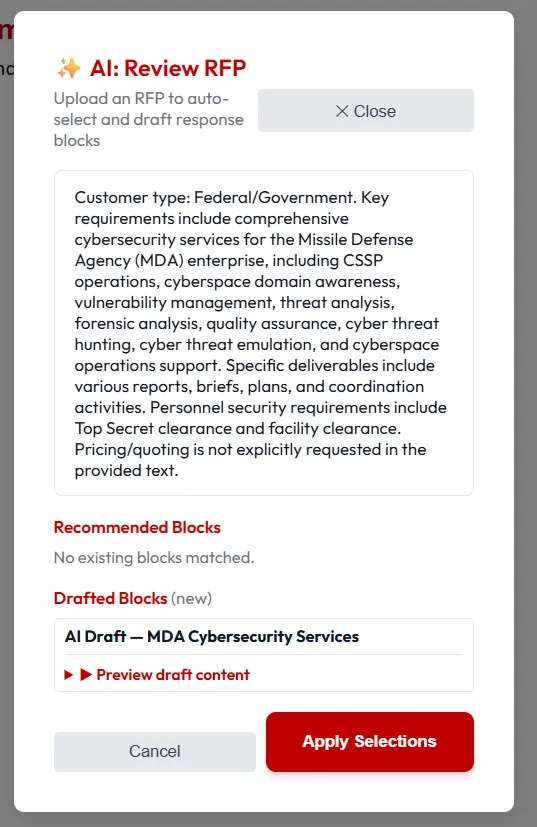
Section titled “Review”Summarizes the current proposal for your review, then generates some draft content.
Draft SOW
Section titled “Draft SOW”Generates a Statement of Work from selected scope blocks. The narrative will create a block in your library under an “AI” section for you to easily edit and save for later.
- Provide an API key in Settings → AI before first use.
- Output appears as a draft block — review and edit before promoting it into the proposal.
- Nothing is auto-saved to shared storage; AI drafts stay local until you explicitly save them.