Create, edit, and delete blocks
Create
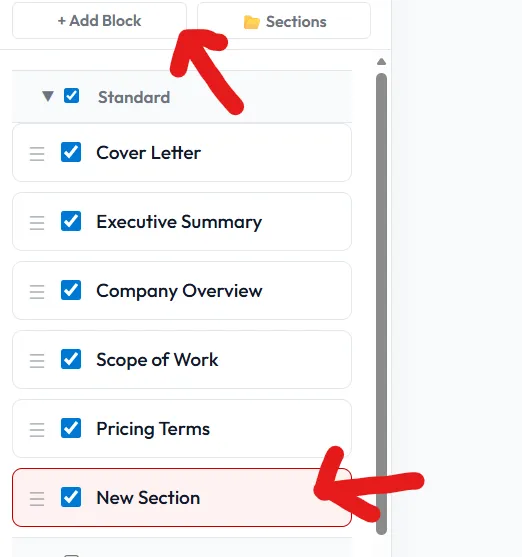
Section titled “Create”- Click + New block in the Block Library panel.
- Pick Local or Shared as the destination.
- Give it a title, optional tags, and content. Save.
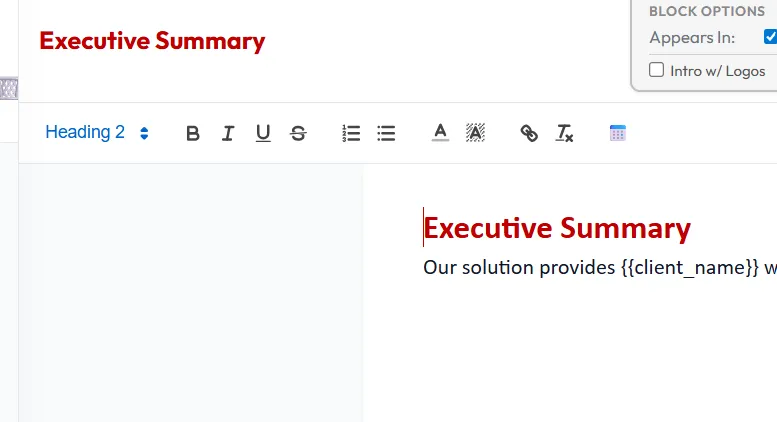
- Click any block in the library to open the editor.
- Shared blocks may require permission; if you only have read access, use Clone to local instead.
Delete
Section titled “Delete”- Open the block, then ⋯ → Delete.
- Deleting a shared block removes it for the whole team — you’ll be asked to confirm.
- Local deletes are immediate but recoverable from Settings → Trash for 30 days.
Promote / clone
Section titled “Promote / clone”- Promote local → shared: makes the block available to your team.
- Clone shared → local: takes a snapshot you can edit freely without affecting the team copy.