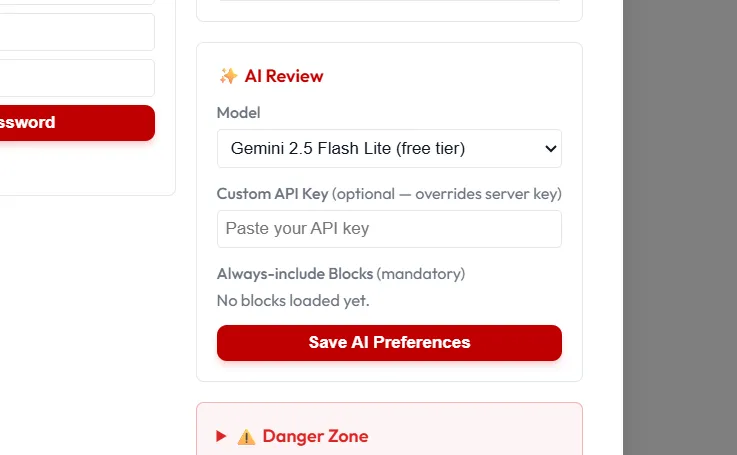
The Settings menu
Open Settings from the gear icon in the top bar.
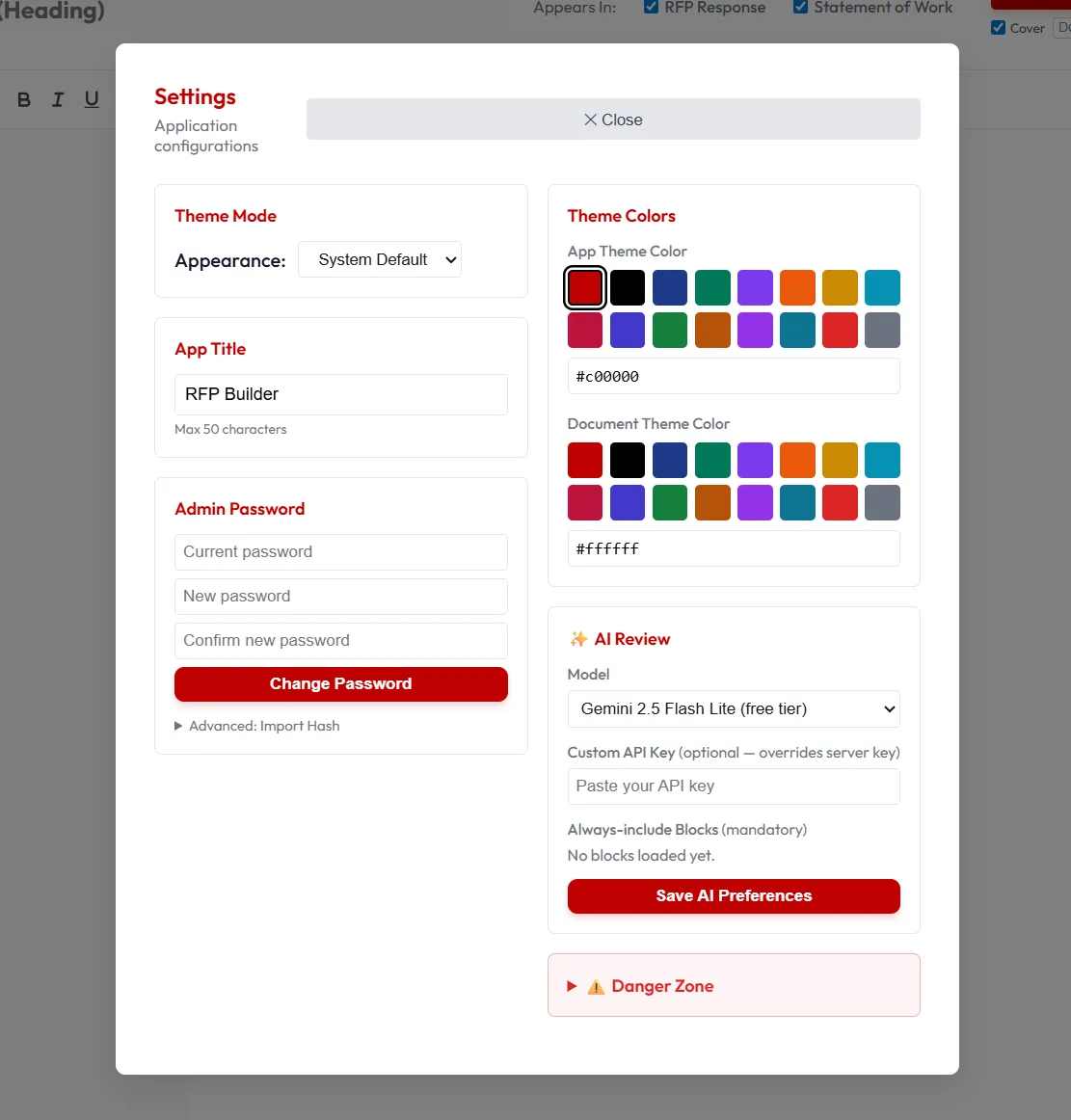
Theme Mode
Section titled “Theme Mode”Switch between the System Default, Dark or Light mode
##App Title Typically “Your Company Name” or “RFP / SOW Builder”
##Admin Password This is only for local storage. Set or change your Admin Password for safety when changing/saving/importing blocks.
##Theme Colors Choose an App Theme Color for key buttons and highlights. Choose a Document Theme Color for customizing the headers (H1/H2, etc.) in your exported document.
AI Review
Section titled “AI Review”Provide an API key for the AI provider you want to use. Toggle which AI tools appear in the toolbar.
This is typically handled by your administrator.
Always Include Blocks The selected blocks will always be included in the AI-generated response. Simply check the blocks that are required to be in each response.