Add shared blocks
- Open the Block Library panel (left sidebar).
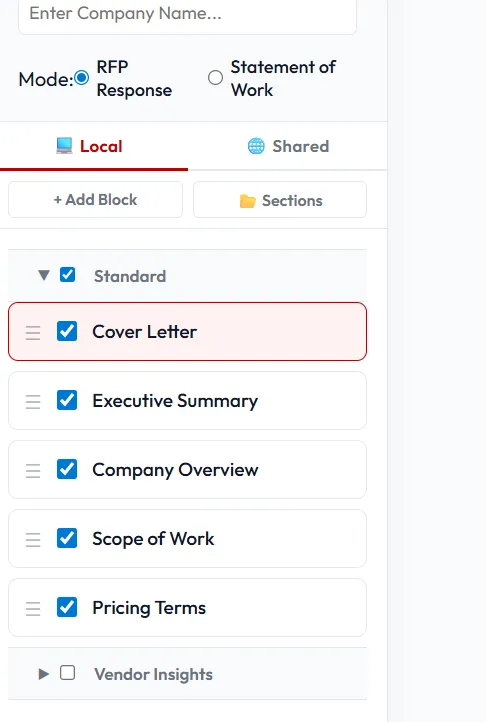
- Switch to the Shared tab.
- Browse or search by tag/title.
- Click a block to preview it; click Add to insert it into the current proposal.
Added blocks appear in the proposal outline. They remain linked to the shared source — if the source is updated, you’ll see an “update available” badge and can choose to pull the change in or keep your version.