Select and reorder blocks
Selecting
Section titled “Selecting”- In the Proposal Outline panel, each block has a checkbox.
- Checked blocks are included in the export; unchecked are skipped without being deleted.
- Use the toolbar to Select all, Select none, or filter by tag.
Reordering
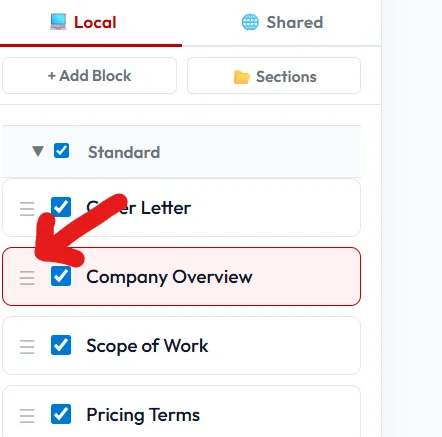
Section titled “Reordering”- Drag the handle (☰) on the left of each block to move it.
- Or click a block and use Alt+↑ / Alt+↓ to nudge it.
- Child blocks can be moved between sections, so create what you need, then move it where you’d like.
Grouping
Section titled “Grouping”Drag a block onto another to nest it as a sub-section. Drag back to the root to un-nest.